Drop in artwork — or generate it with AI. ViperEffects renders true halftone screens, cleans the edges, sizes it for your shirt, and hands back clean full-resolution film — including real CMYK separations. All in the browser.
No account to look around · preview is watermarked · exports & AI are invite-only during beta.
Drag the handle. The left is your transparent film; the right is how it drops onto a dark garment — clean edges, no halo, ready for the press.
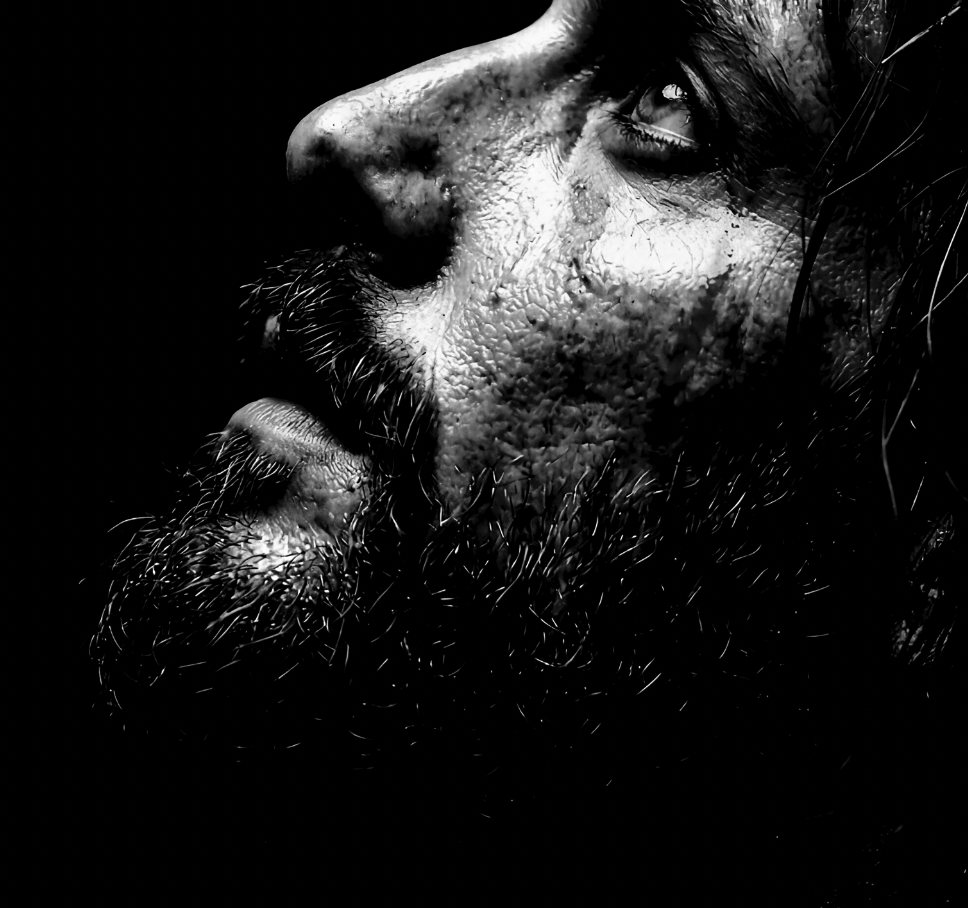
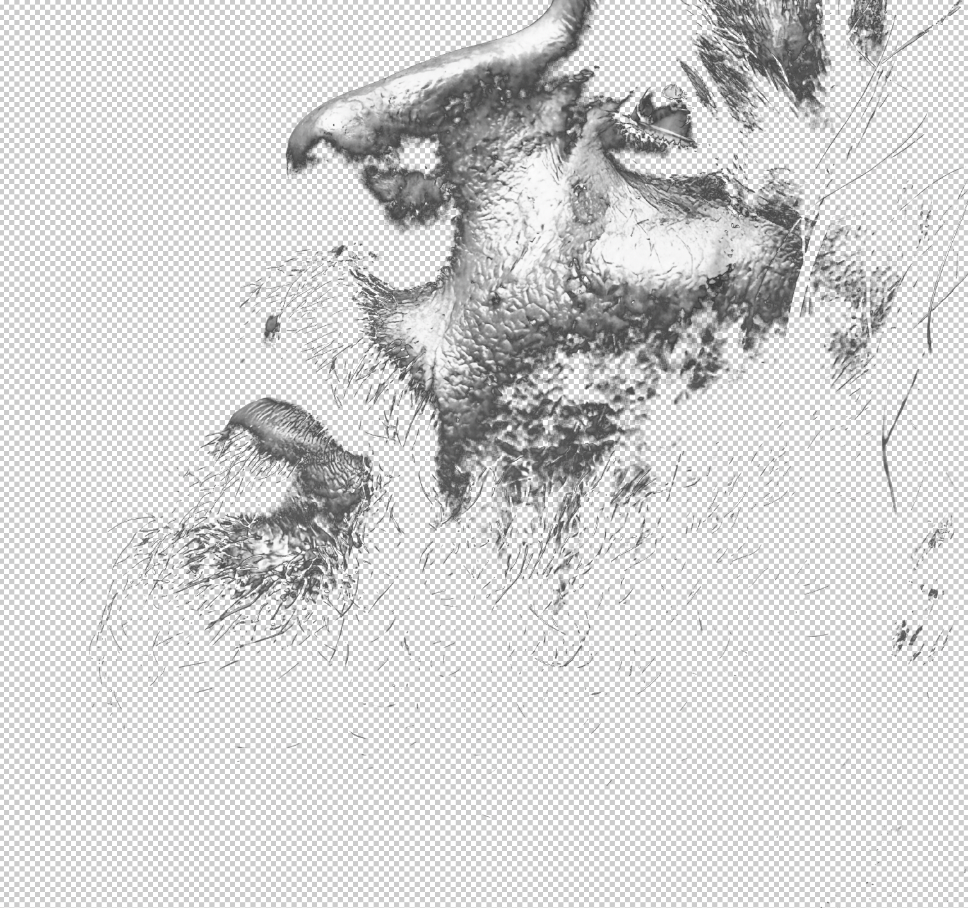
◂ drag to compare ▸
Real screen recordings — no edits, no speed-ups. Pick a tool and watch it run.
Everything between "I have art" and "it's on the press" — no Photoshop, no plugins.
Generate apparel art from a prompt, upscale small images to print resolution, or strip backgrounds — right in the editor.
GPU dots with adjustable cell size, screen angle, 7 dot shapes, distress textures, plus stochastic & dither screens.
One-colour film or four-channel C/M/Y/K plates on correct angles — plus a choked white-underbase film so colours pop on dark garments.
Background removal that keeps your light colours, plus a one-slider Defringe that kills the edge halo every time.
Set finish size + DPI to drive the screen, with a live resolution check so a too-small image never prints soft.
Clean film / PNG with true transparency and DPI baked in, sized for your job. We never store your art.
Upload artwork, or type a prompt and let the AI make it. Upscale + cut out the background in a click.
Pick mono or CMYK, dial in dot size, angle, distress and finish size. Watch it become film in real time.
Pull clean full-res film with DPI baked in — or a 4-plate separation zip — and head to the press.
A browser print studio for DTF and screen printers. Drop in any image — or generate one with AI — and it renders true halftone screens, removes backgrounds, builds CMYK separations and a white underbase, sizes it for your press, and exports clean production film. Nothing to install.
We’re in a private beta. Hit Request beta access and we’ll email an invite when a spot opens. You can preview the editor free without an account — previews are watermarked; exports and AI are invite-only during the beta.
Three things, right inside the editor: Generate apparel art from a text prompt, AI upscale small images to print resolution, and AI remove background — a subject-aware cutout that works even when the art’s colours match the background (where colour-based tools can’t). AI actions are metered per account during the beta.
Almost always the white underbase. Semi-transparent areas in your file — soft edges, fades, removed backgrounds — get printed with thin white ink underneath, so the film or garment shows through and greys the colours out. Fix: raise White underbase → Strength in the editor; it pushes partial transparency toward solid so your RIP lays a full white layer. View white film shows exactly where white will print before you waste film.
A separate white plate printed under your colours. ViperEffects generates it from your final art, choked inward so white never peeks out around the edges, with an optional knockout under black ink. Export it on its own, or get it automatically as the 5th film in the CMYK separations zip.
Four-colour process films — cyan, magenta, yellow and black plates on correct screen angles (15°/75°/0°/45°). Preview each plate in the editor, then export all four (plus the white underbase) as print-shop-ready film positives in one zip.
Aim for ~300 DPI at your finish size: a pocket 4″ print needs ~1200px, standard 11″ ~3300px, jumbo 14″ ~4200px. Print setup shows a live DPI check for your exact image — and if you’re short, AI upscale can get you there.
Studio tools. Presets save your whole look — mode, screen, dots, distress, print size — so you can apply it to any image in one click. Batch export runs up to 24 images through your current settings and downloads them all as a zip.
Yes. You keep the rights to your artwork and exports, and paid plans include royalty-free commercial use for production work (Studio carries a full commercial license for client and resale jobs). See the Terms.
No. Rendering happens in your browser on your GPU — your full-resolution art is never uploaded to or stored on our servers.
Plans open at launch — beta testers get first access and launch pricing. During the beta, invited testers use everything free.
We're inviting a small crew of DTF & screen printers to put it through real jobs — free. Grab a spot before they're gone.
Drop your email — we'll send an invite when a spot opens.
We'll email an invite when a spot opens.
